Latest
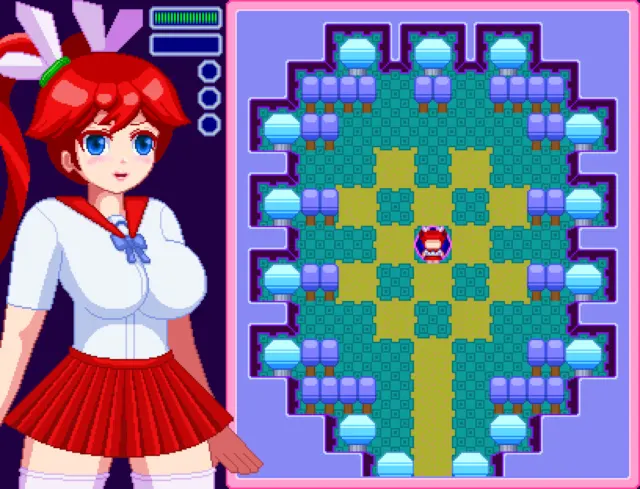
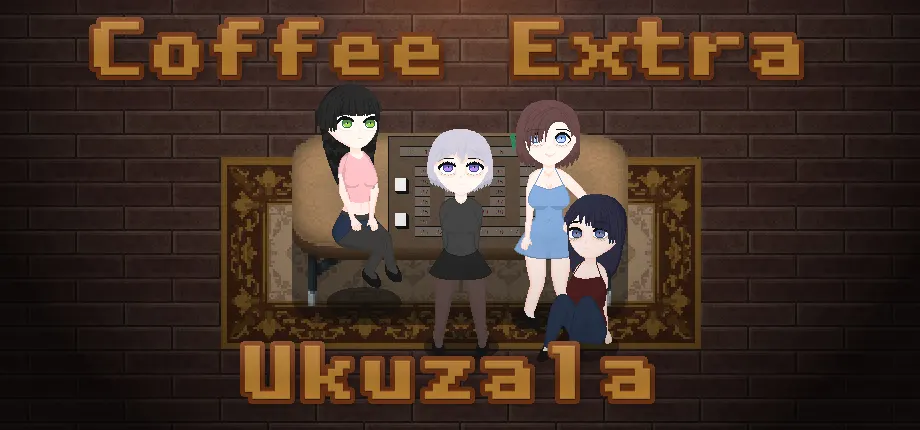
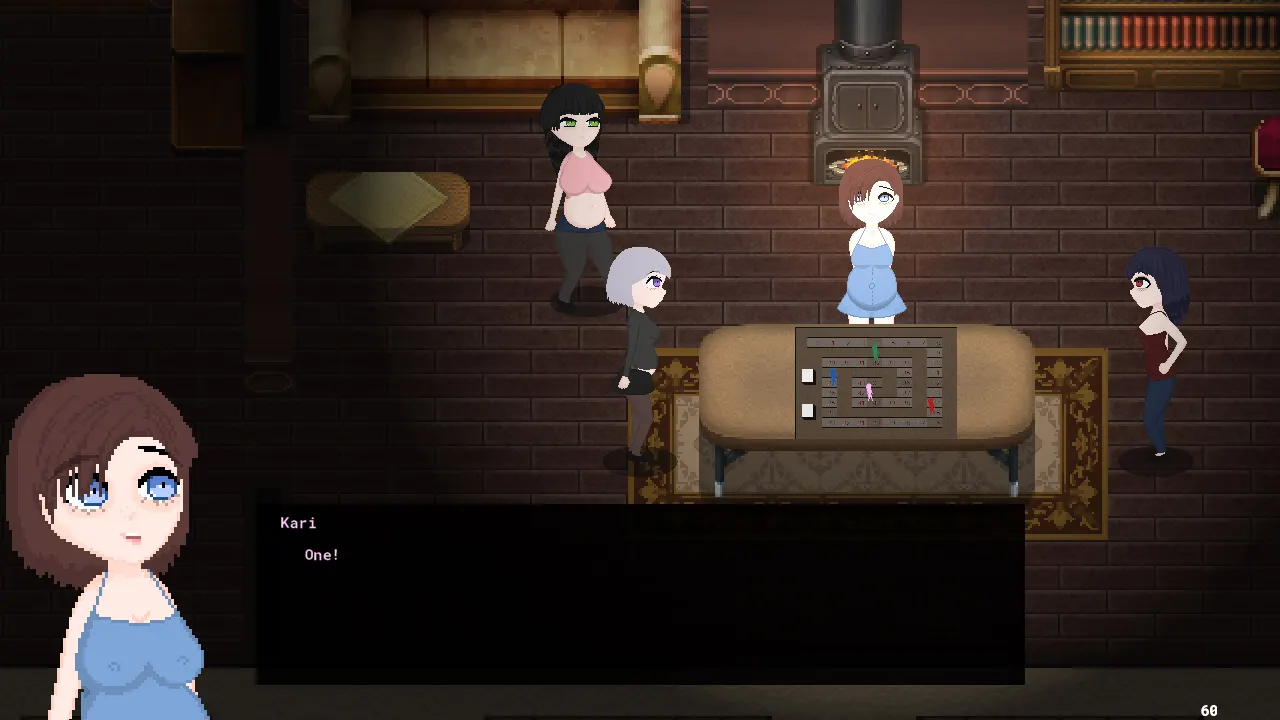
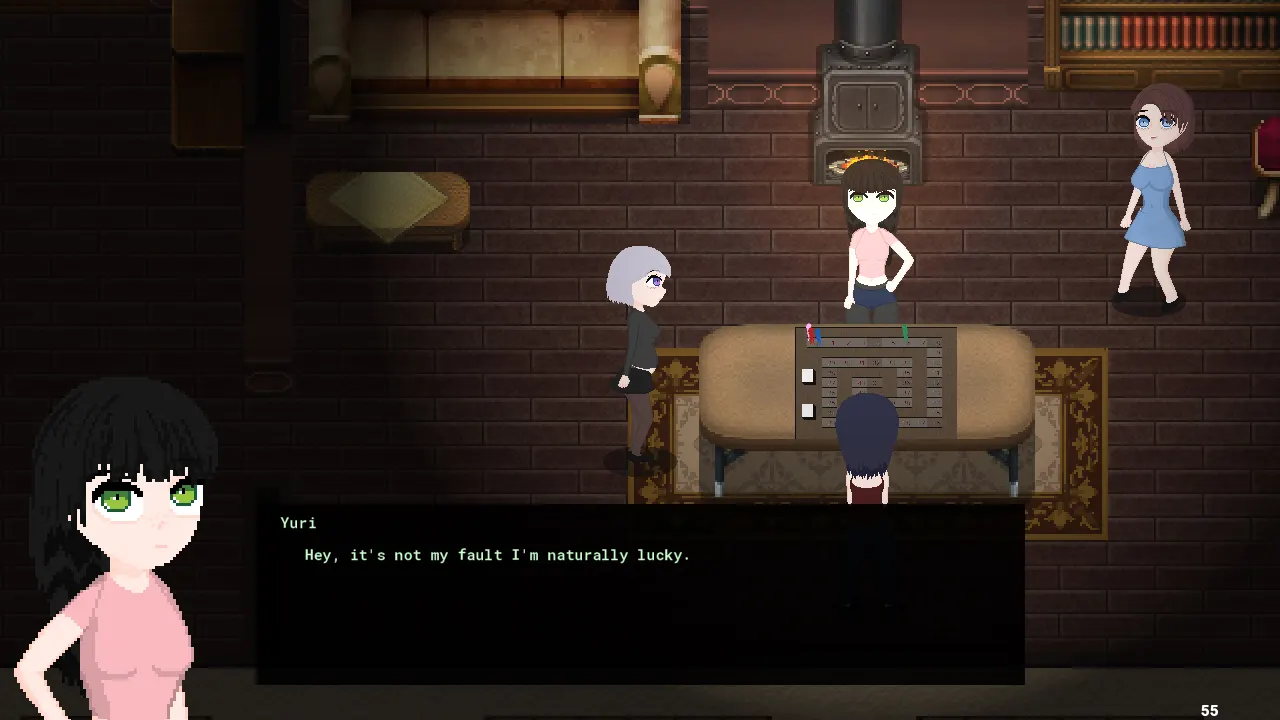
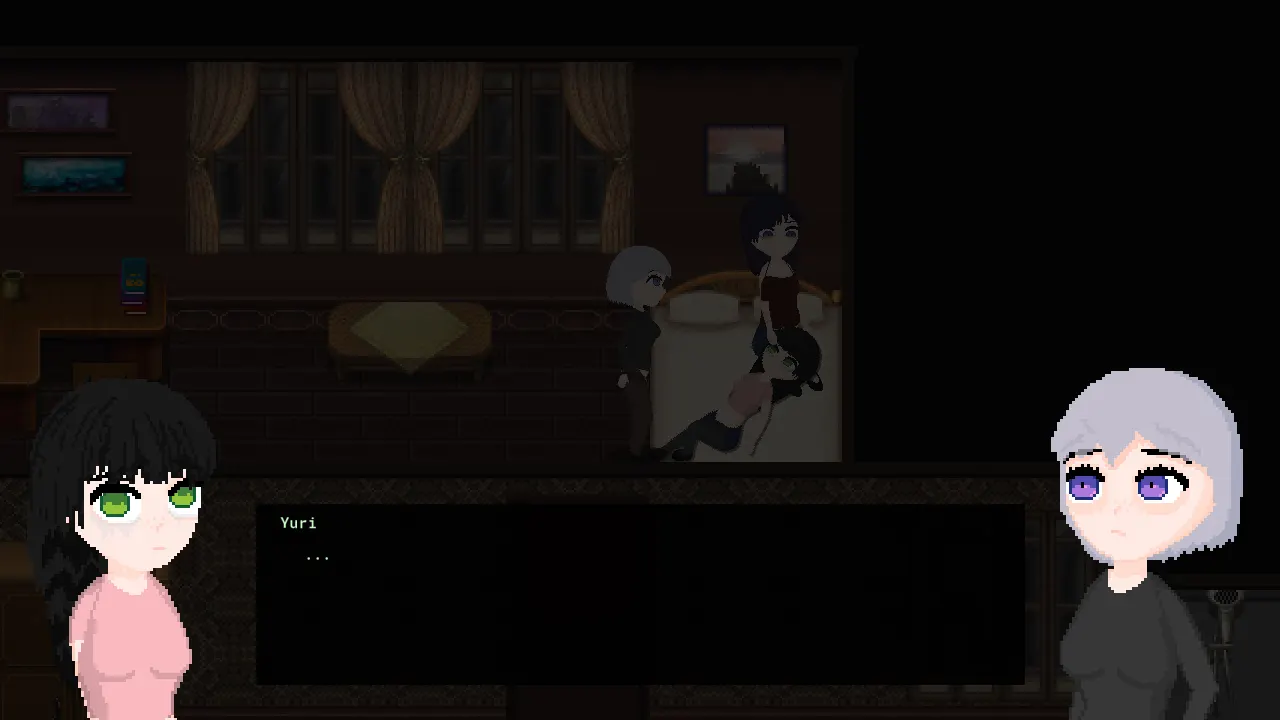
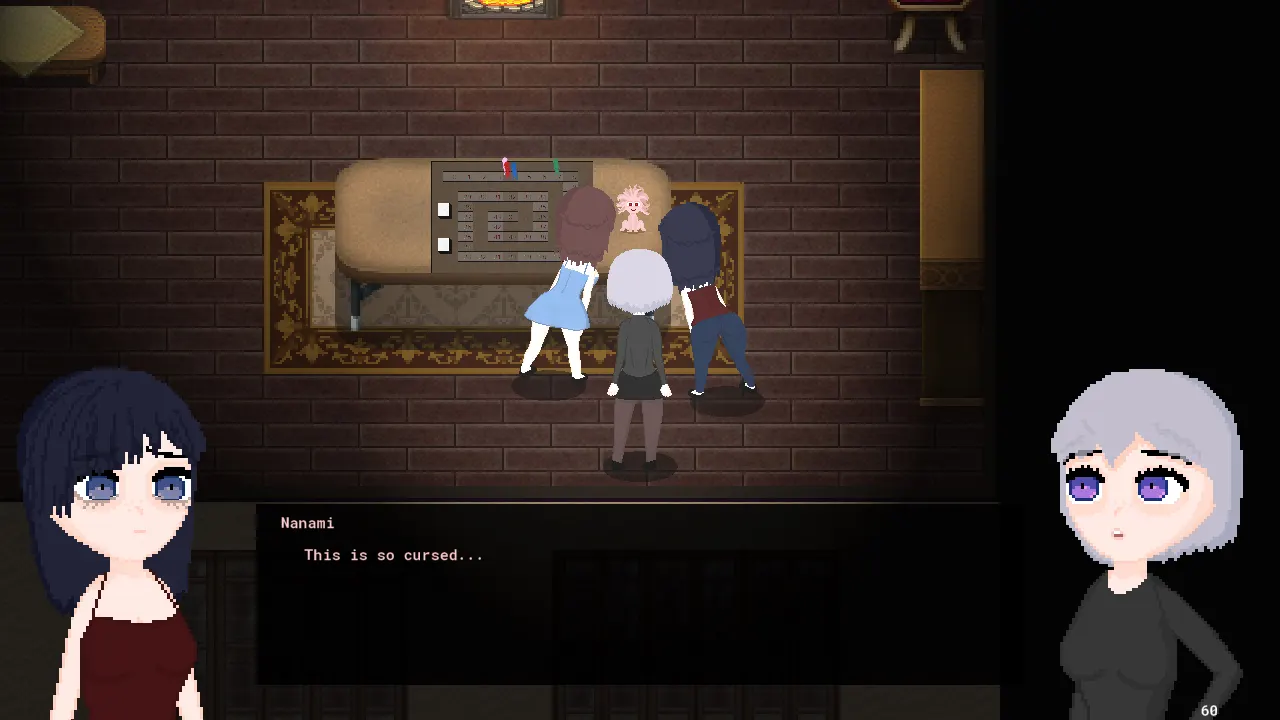
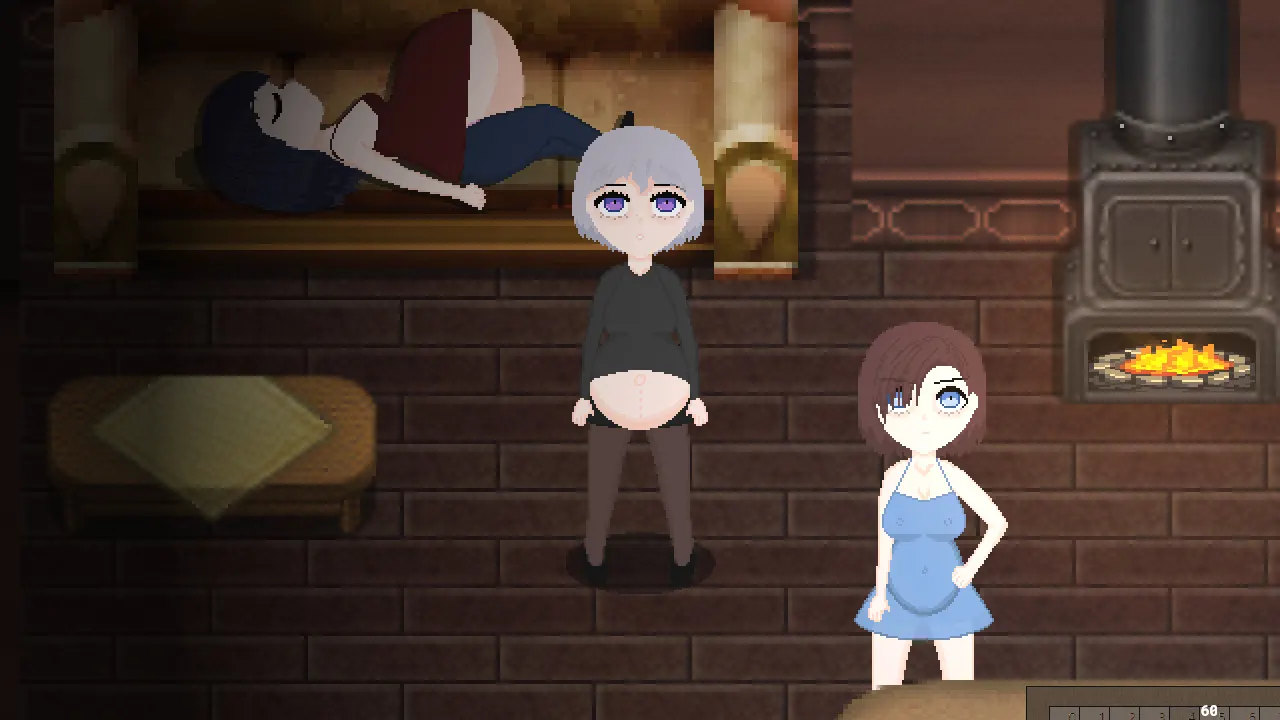
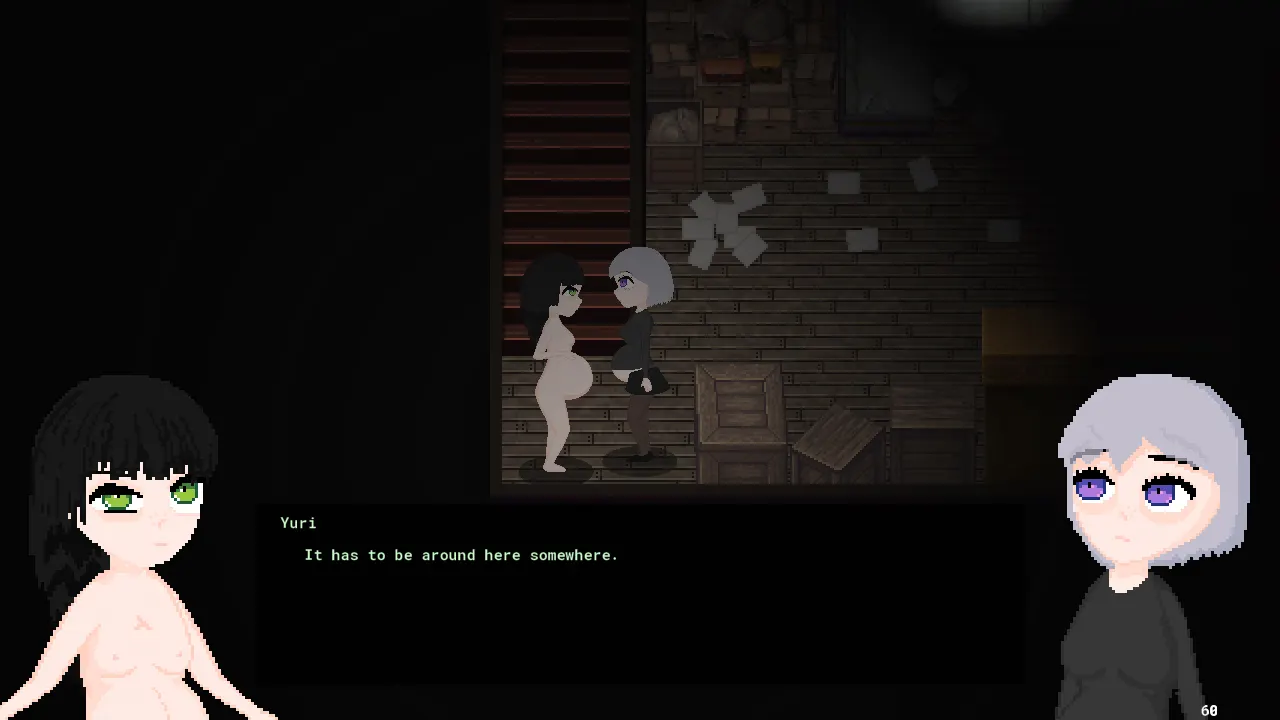
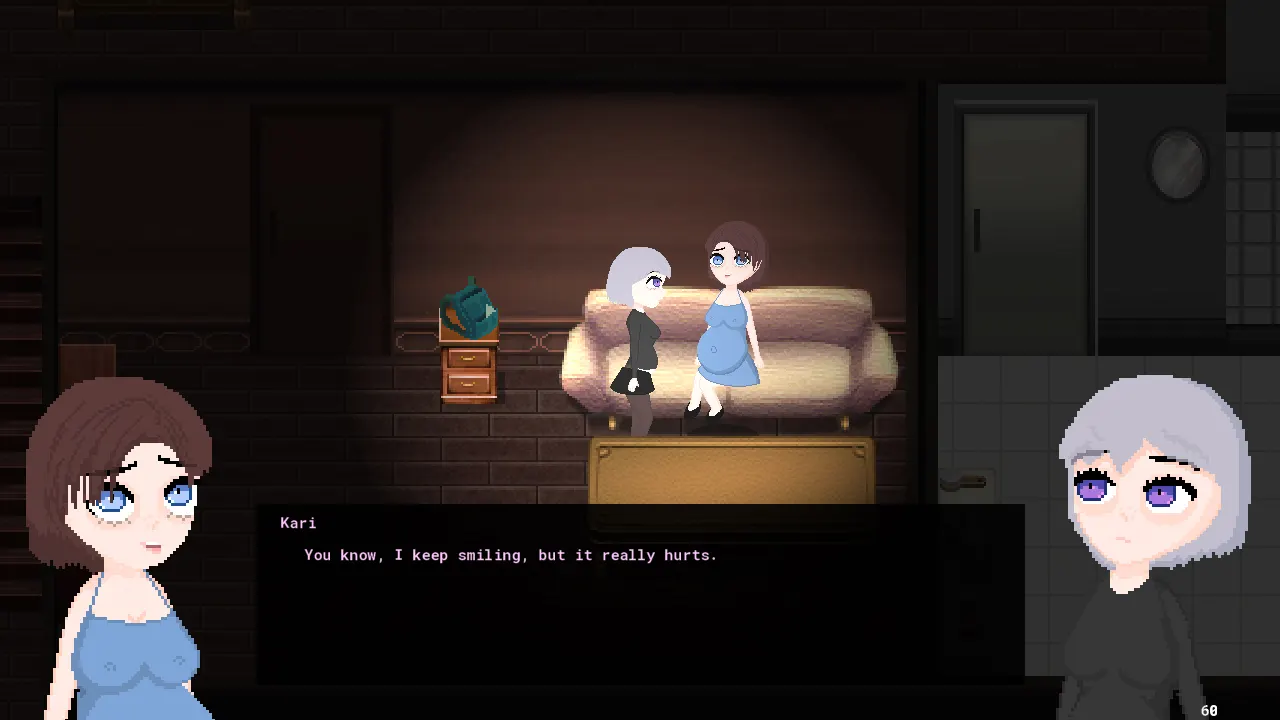
20241002v6 -Added an Epilogue; Unlock all ending and leave the house. -Added Free Play Mode Dynamic board gameplay with character commentary. Becomes available after unlocking the epilogue. 20240906v4 -Fixed bugs 20240906v3 -Fixed sequence break by burning the sun early; -Fixed Horsing Around 4 loop if you pick the top dialog response. 20240906v2 Bug fixes 20240906v1 -New route -New birth animation and xray. 20240728v3 -Renamed the game to Ukuzala Labyrinth. Let me know what you think. -Save file location remains the same (Unlocked chapters, settings and controls, which are shared with Coffee Story) -Fixed x-ray out of sync for player and NPCs. Key is now linked to PC only and NPCs will sync to PC on button press -Changed title screen image -Shuffled around title menu layout locations -Added Mouse control reference to the Controls menu -Fixed some unnatural facial expressions 20240728v2 PC's belly growth was swapped with Kari's on the last turn of Horsing Around 7 Added storm ambiance and turned off music between the power going down and lighting the fireplace. Changed Horsing Around 8 and Hard Copy 8 soundtracks to a variation of the title screen music. Added title art and moved the menu to the left. Look, I don't know. I'm not very good at larger scale art, but the title screen needed something. 20240728v1 As with Coffee Story, YYC version and VM version are both available. If you don't know the difference, use YYC. (Boardgame specific changes) -New route -First route and ending have been changed towards the end. It's only fair that the ending focuses on Yuri. Do check it out, I think it worked out well. -X-ray have been enabled again. The belly size progressions are noticeably less fluid, but that's the price of being able to see what's inside. -The original save functionality is present, but is discouraged. Think of it as very flimsy save states in an outdated emulator - unreliable.(F5 to save, F8 load) -Game is now split into chapters. Each chapter starts after all board rolls have been made and MC is free to move around. Accessed via what was the save menu in the main project. Unlocked as you play through them. Defaults to Anne for PC's name, should you use this feature. -Removed irrelevant GUI elements. (General Changes) There are a lot of changes in the main project that trickle into this that likely affect some UI or GUI elements. As always, this is technically done within the same project, so I can't guarantee you won't accidentally break something and boot into the main game. The following notes weren't present in any of the previous patch notes for Coffee Story and are considered new: Sound: -Added soundtracks and some ambiance. -Changed some of the already existing sound effects (rain by window, fireplace) -Master, music and sfx are controlled from the menu and saved globally, rather than per save. Inventory changes -Every inventory item now has a sub menu: Use, Equip, Drop, Back. -'Use' and 'Drop' function as they did. 'Back' is self explanatory and is the equivalent of just pressing the cancel action (default Ctrl and X). -Equip puts the item in hand. Visually, this works with the 4 directional standing poses and 1 isometric pose. -Special action keys (default C and Num 0) now have been re-purposed to function as use hotkeys for the equipped item. -Clothes still function the same as they did, but are taken off via menu rather than by pressing 'C' -Middle Mouse triggers equipped item hotkey (i.e 'C'). -This has little value in this project and was mostly added for Coffee Story. Control Changes -Inventory now has mouse support. Left Mouse selects the slot or option, clicking the the same slot or option actions it. -Dialog choices and interactables now have mouse support. Unlike with the inventory, clicking an option actions it immediately, while hovering the mouse over it selects it. There are some exceptions that don't have this implemented yet. (i.e storage units and fridge. Irrelevant for this side project.) -Pressing and letting go Left Mouse before ~0.3 seconds moves character, as before. -Pressing and letting go Right Mouse before ~0.3 seconds equates to the cancel action (i.e 'Ctrl' or 'X') -Holding Left Mouse for ~0.3 seconds equates to pressing the action key(i.e 'Enter'). -Holding Right Mouse for ~0.3 seconds equates to pressing inventory key (i.e 'E'). -Text input prompts limit controls to 'Enter', to confirm and 'Backspace' or 'Control' to erase. -'Esc' toggles menu, rather than only brining it up. -Cancel keys move the menu one layer back, instead of going to the route. -Last selected menu remembered, when navigating back. Sometimes. -Movement with mouse is now more stable and won't cause the player to "overwalk" when a stop is meant to happen. -Default pose cycle key is now 'R', as well as 'P'. As this function is now used in puzzles, I thought it would be appropriate to have it closer to WASD. GUI changes -The menu screen ('Esc') no longer pauses the game. This was done to simplify the workload for myself. -Menu screen transparency increased. -Menu layout consolidation. Dialog Changes -Portraits don't retain the same hand position when NPC portraits change. Previously on a portrait swap, the arms would start off at the position of the last portrait before moving to a new random position. Could still random into the same position which isn't uncommon I guess. -Increased log limit from 100 lines to 1000. -The log gets reset when you close the game and doesn't get loaded in when you load a save. -Saves are less bloated. -There's a number next to the line in game now. -You can press F12 to save it to a text file in AppData\Local\Coffee_Story_Extra. The file format is log_"current playtime in seconds".txt -Marked when conversations end with *** 20231112v1 Initial Release


 Patreon
 Subscribestar
 Pixiv
Pixiv Steam
Steam

 GOFILE
 MEGA
MEGA MEDIAFIRE